Why Remote Meetings Leave You Exhausted (and How to Recharge)
4 min read
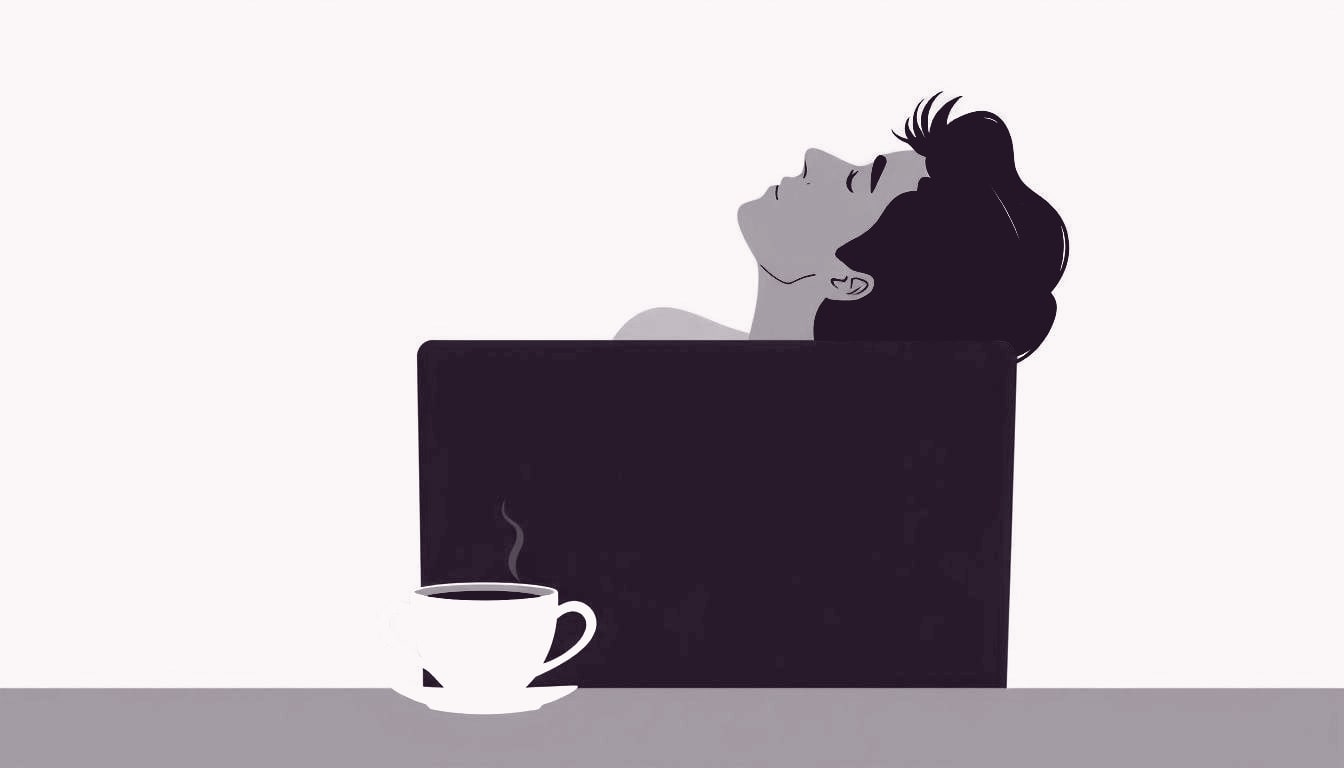
Many people wonder why they feel wiped out after a remote meeting. The screen lights, the voices, and the need to stay present can take a toll. Even a short call can leave you needing a break before you can think clearly again.
Understanding the reasons behind that drain helps you protect your mental energy. In this article we look at the main factors that make video calls exhausting, and we share two simple habits you can try right after a meeting. These steps can lower the risk of burnout and keep you focused for the rest of the day.
You are not alone. Thousands of remote workers report similar fatigue after virtual meetings. Recognizing the pattern is the first step toward making small changes that protect your energy and improve daily productivity.
Why video calls feel draining
During a video call your brain works harder than during a face‑to‑face talk. You watch a small window, listen for tone, and try to read facial expressions that are often half hidden. That extra effort is called cognitive load, and it uses up mental resources that could otherwise rest. When the load stays high for many minutes, you start to feel tired, even if you have not moved much.
You also keep checking your own image and microphone, wondering if you look professional or if you are being heard. That self‑monitoring adds a subtle stress that builds up over the call. When the meeting ends, the stress does not disappear instantly; it lingers until you give your mind a chance to unwind.
When meetings run one after another, the fatigue compounds. Your brain does not get a full reset between calls, so each new session starts with a lower energy baseline. Over the course of a morning, this can feel like a heavy weight on your thoughts, making it harder to stay sharp or participate fully.
Screen fatigue and its impact
Staring at a bright screen for a long time strains your eyes. The light from the monitor, especially the blue part, can suppress the hormone melatonin that tells your body it’s time to relax. When melatonin drops, you feel more alert but also more exhausted after the screen is off. Eye strain also causes headaches, which add to the feeling of mental fatigue.
Because you sit in one spot, your posture can become slouched, and blood flow to the brain slows down a little. Small movements, like stretching or standing, help the circulation and give your muscles a break. Without those micro‑breaks, the body stays in a low‑energy state, and the mind mirrors that feeling.
Adjusting your screen can also ease eye strain. Use a dark or dimmed theme, increase the text size, and keep the brightness similar to the room lighting. Some computers have a blue‑light filter that you can turn on in the evening. Small changes like these reduce the visual load and help your eyes recover faster after the call.
Take our quick Stress & Burnout assessment to see how you’re doing
Take the Stress & Burnout testMultitasking and lack of breaks
Many people try to answer emails, write notes, or check a to‑do list while the call is running. Switching tasks forces the brain to reset each time, which uses extra energy. Over the course of a 60‑minute meeting, those tiny resets add up and leave you feeling drained.
Feeling exhausted after a remote meeting is one of several measurable patterns this site has a short self‑assessment for. Our Stress & Burnout quiz can give you a quick snapshot of how often this happens and what might be contributing.
A clear agenda can limit the urge to multitask. When everyone knows the topics and time limits, they are less likely to open unrelated apps. Ask the host to share a brief outline before the call and stick to it. This simple structure keeps the conversation focused and reduces the mental jumps that sap energy.
Two quick reset practices
When the meeting ends, give yourself a two‑minute pause. Look away from the screen, focus on something far away, and take five slow breaths. This simple eye‑rest and breathing exercise lowers the stress response and helps your brain shift out of meeting mode.
Next, stand up and move for another minute. Roll your shoulders, stretch your arms overhead, and gently twist your torso. Light movement gets blood flowing, releases muscle tension, and signals to your body that it’s time to recharge.
Staying hydrated is another quick reset. Sip a glass of water while you stretch; the act of drinking signals your body to pause. You can also add a brief mindfulness cue, like noticing the feeling of your feet on the floor. These tiny habits reinforce the brain’s shift from work mode to a calmer state.
Keeping burnout risk low
To keep burnout at bay, plan short breaks between video calls. A five‑minute walk, a glass of water, or a quick chat with a colleague can reset your focus. Treat each break like a mini‑recharge, and you will notice less lingering fatigue over the week.
If you often feel wiped after remote meetings, it may be a sign to look at your overall stress level. Taking a brief assessment can point out habits that need adjusting and give you ideas for a healthier work rhythm. Start today and notice the difference after your next call.
Take our quick Stress & Burnout assessment to see how you’re doing
Take the Stress & Burnout test